01 One Feed
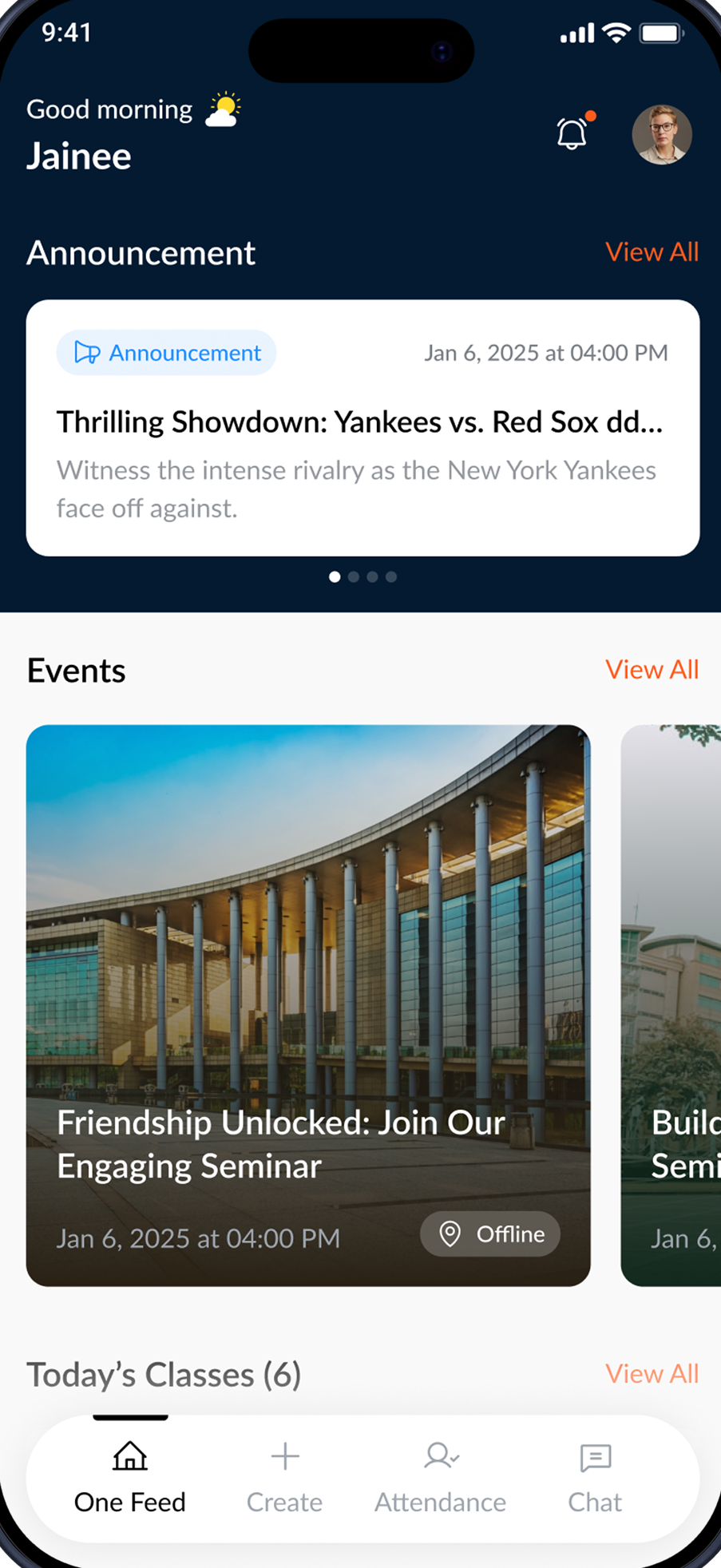
The whole day up front — announcements, events and today's classes in one calm scroll.
An app adult students already opened every day — rebuilt from a broken, fragmented experience into one calm, accessible whole.
A daily learning app for adult students, rebuilt whole — and adopted across the state.
The system was.
Bridge serves a US charter school for adults without a high-school diploma — many immigrants and refugees, aged 20–60, balancing class with work, family and a new country.
It was meant to be one app for everything. Instead, flows dead-ended and screens contradicted each other — and for learners facing language and literacy barriers, that quiet breakage made simple tasks overwhelming.
Not a dozen tools — one product breaking under its own seams.
Drag the handle — or just scroll — to watch the same screen go from broken to whole.
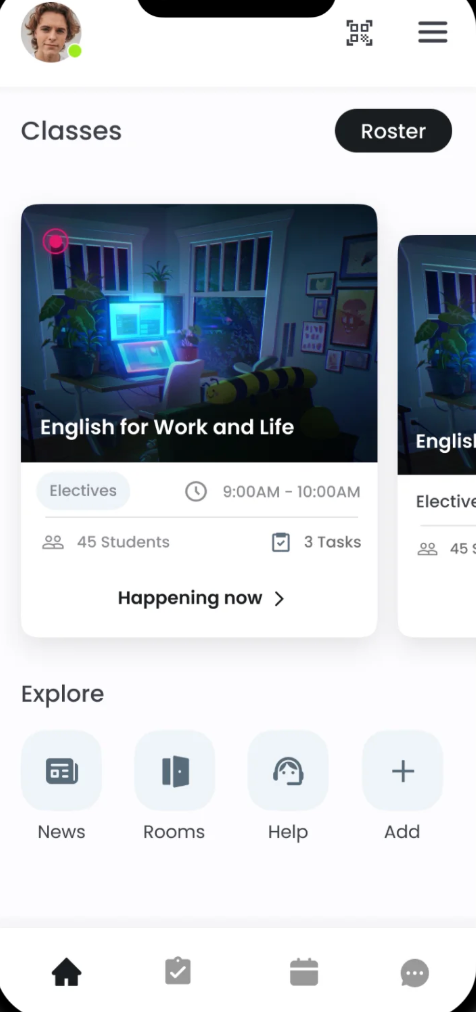
The app wasn't built around how people actually learn.
Every fix so far had added another screen — and more surface only deepened the fracture. The opportunity wasn't to add, but to remove friction and reconnect the pieces learners already had.
One coherent app, built around the rhythm of a learner's day.
The whole day up front — announcements, events and today's classes in one calm scroll.
Every event with clear time, place and detail — no dead ends.
Mark attendance in one tap. A clear history shows what's done and what's pending.
All 76 campuses, one tap away — calm, searchable, never overwhelming.
Reach any student or staff member in seconds — the network, made human.
The job wasn't to add — it was to remove everything between a learner and what they came to do.The principle behind every Bridge decision
One consistent UI system replaced the contradictions — so every screen teaches the next.
One coherent home replaced contradictory screens — orienting takes seconds, not minutes.
Plain language and a calm, consistent layout opened the product to lower-literacy learners.
One-tap attendance and a clear history freed educators from manual roll-call.
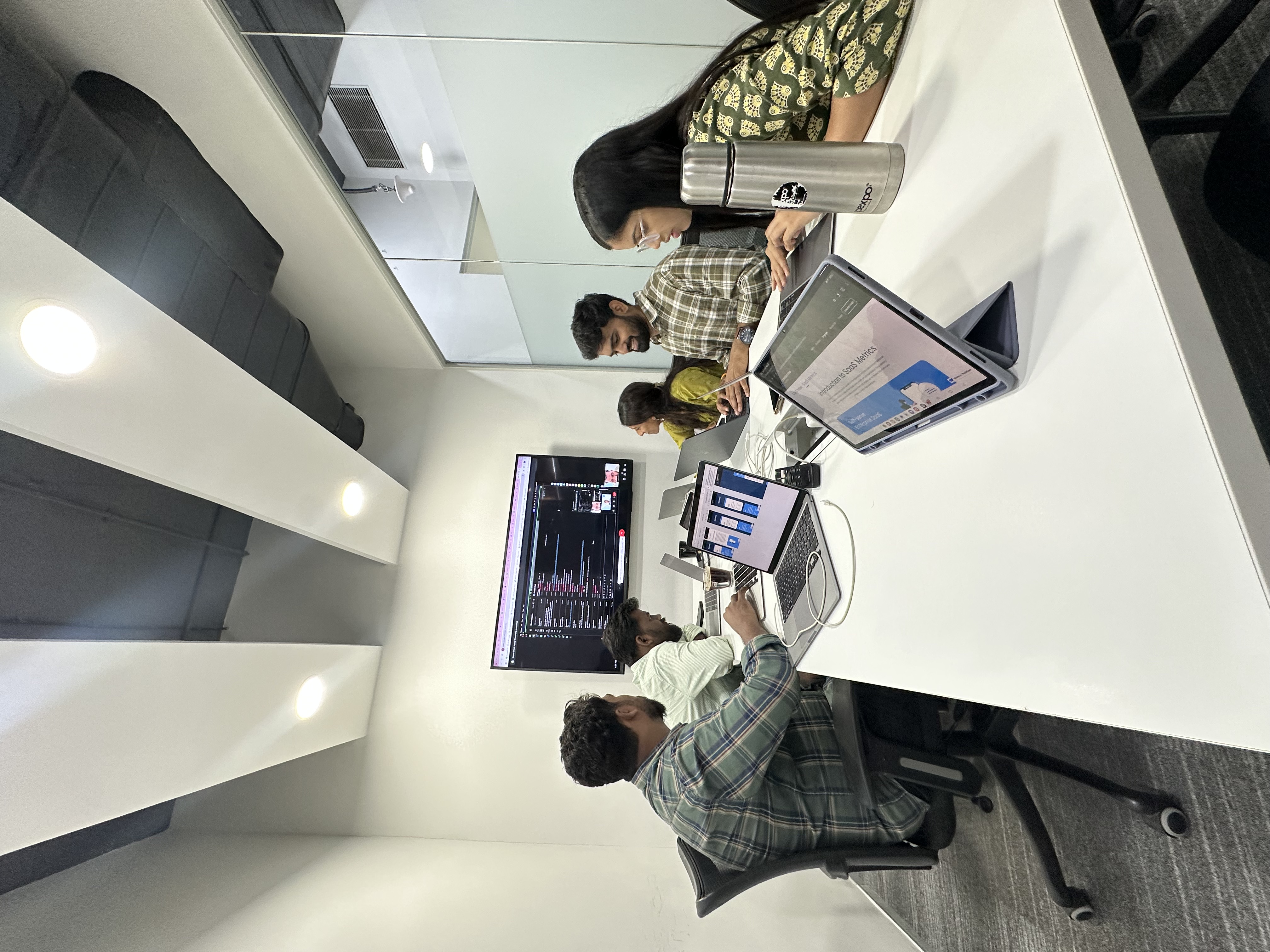
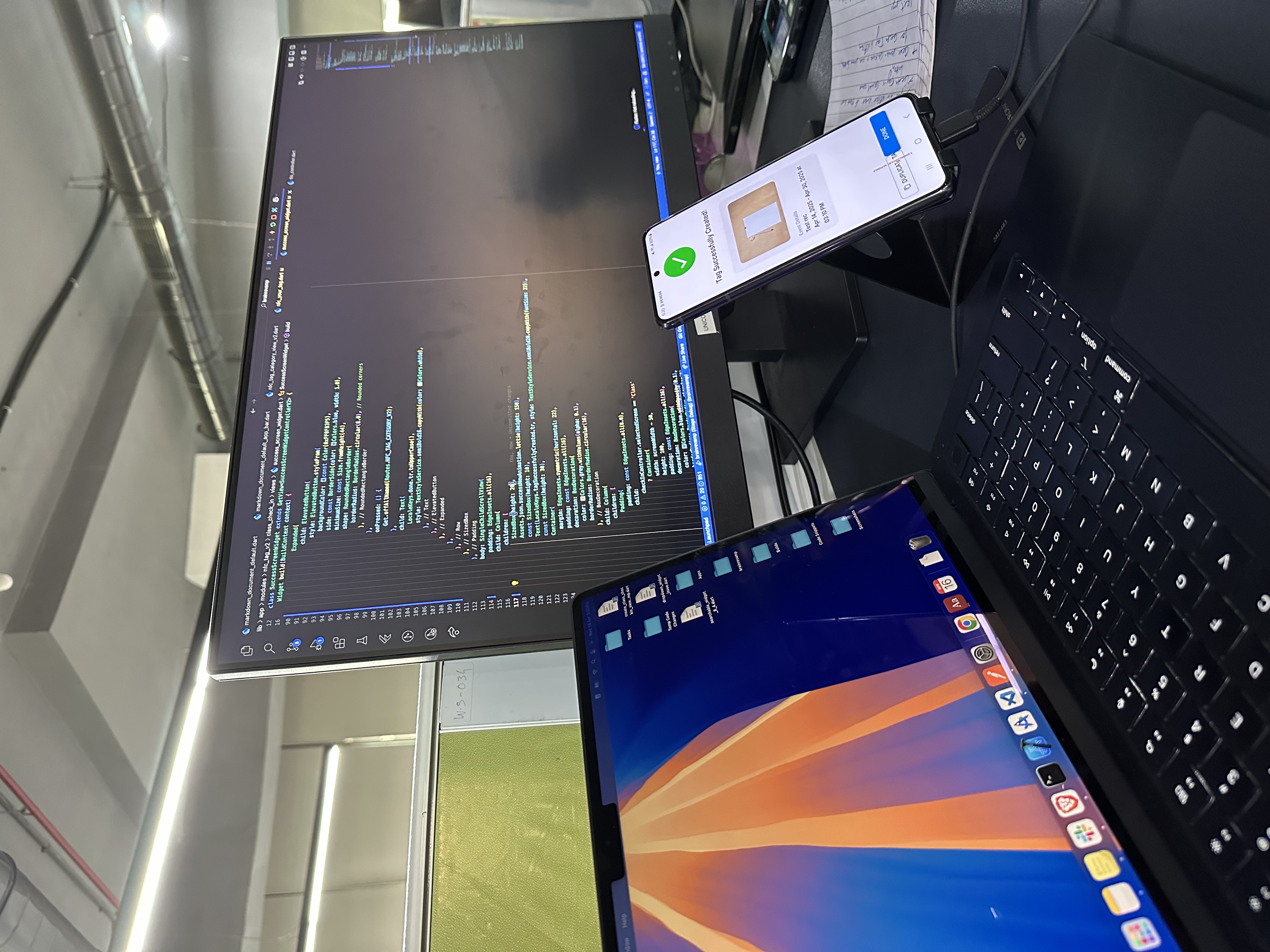
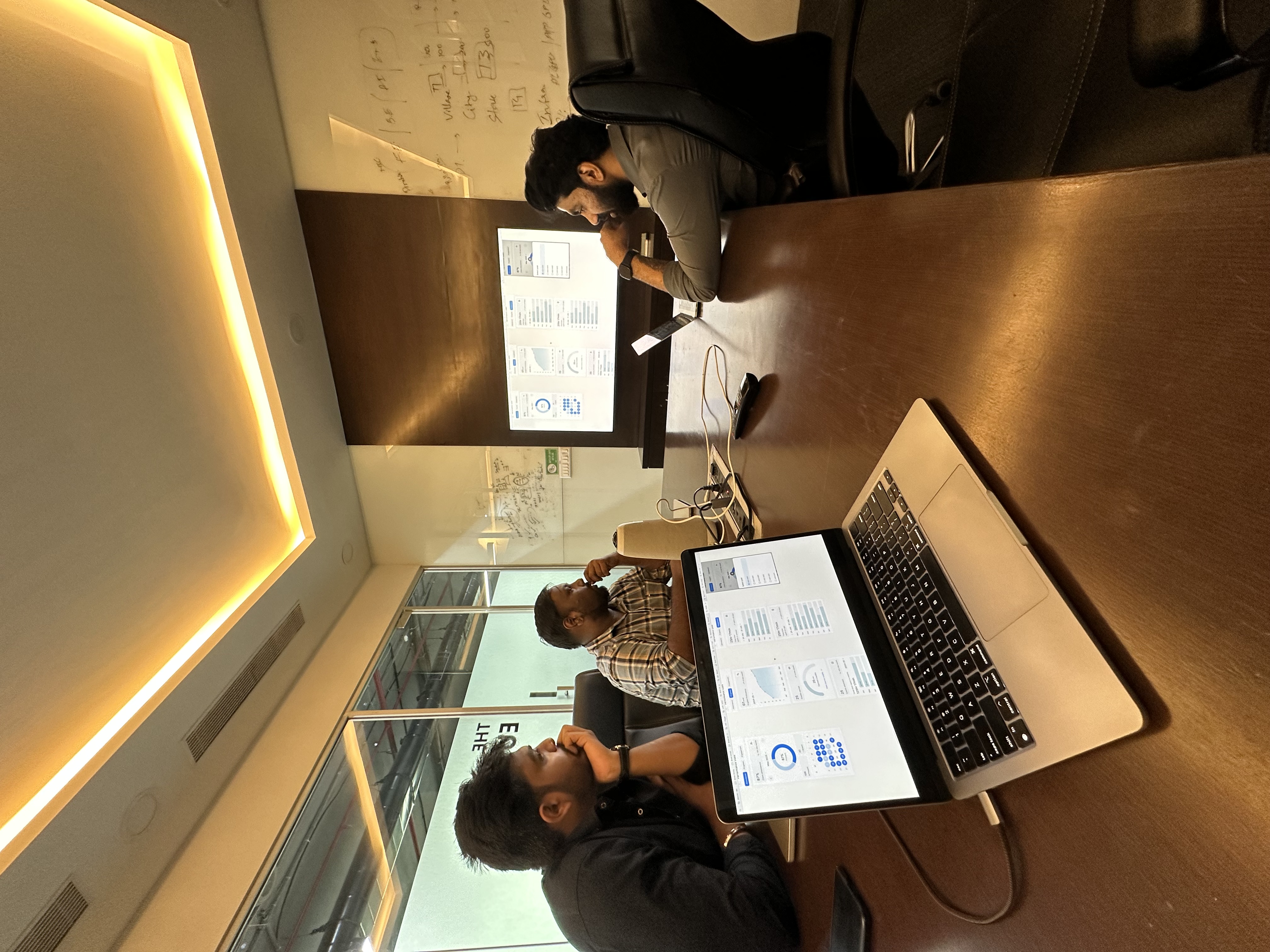
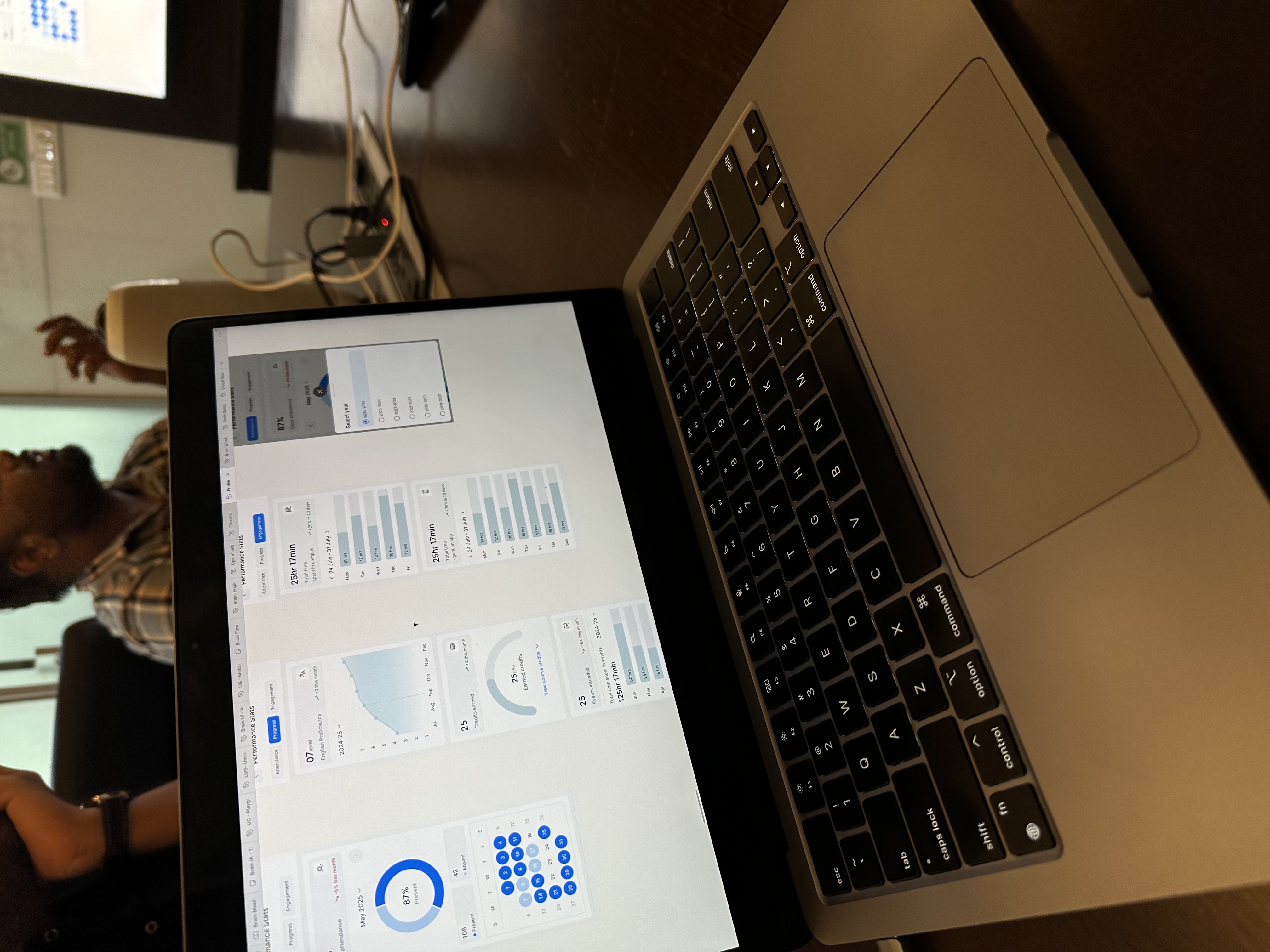
Bridge came together design-next-to-engineering — flows on the table, code on the wall, real devices in hand.
Most calls were made together, out loud: walking attendance and dashboard screens side by side, testing the NFC check-in on a real phone, and deciding — again and again — what to leave out.
The original had the pieces — classes, roster, rooms — but stacked them without rhythm or hierarchy. The redesign kept what learners knew and rebuilt around it, rather than making everyone relearn the app.
A redesign on the horizon, a 0→1 in your head, or just want to argue about button radii? My inbox is open.